New ways to share your routes
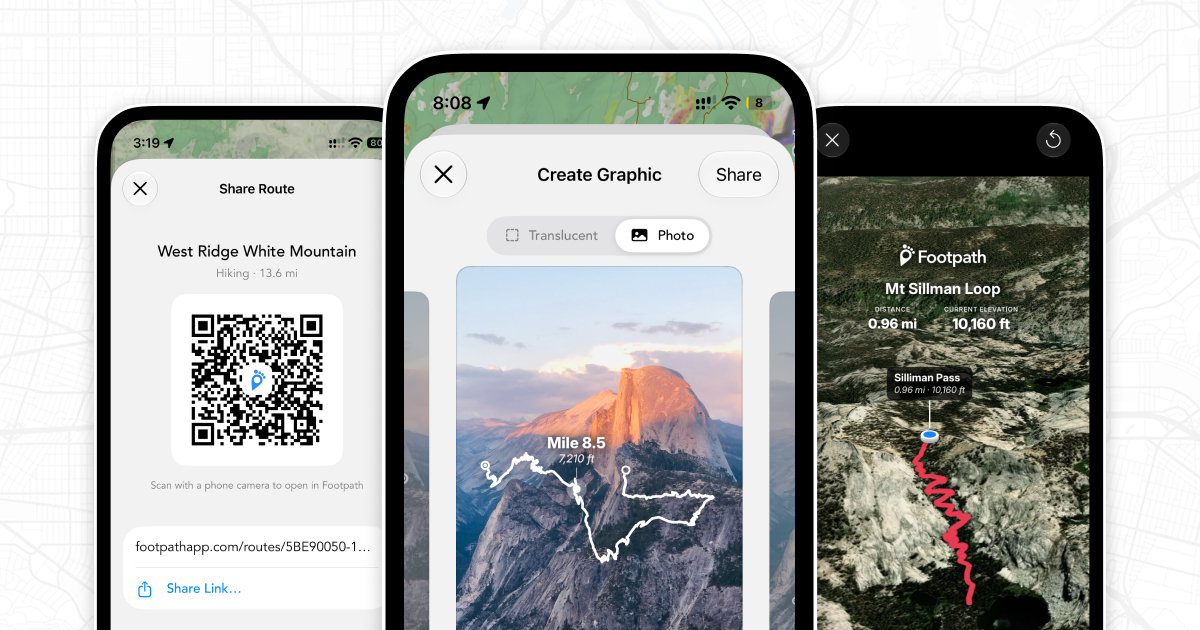
The latest updates for iOS and Android give you all new ways to share your routes.
3D flyover maps Elite
As a Footpath Elite subscriber, you can now preview your route or relive a recorded activity with cinematic 3D flyover videos.
You can customize the route line and metrics displayed, and you can add animations for waypoints along the route or overlay the elevation graph.
Then, you can save the video or share it straight to Instagram Stories.
Route overlay stickers
You can now create transparent route sticker overlays that you can paste into apps like Instagram Stories to create fun visuals of your adventures.
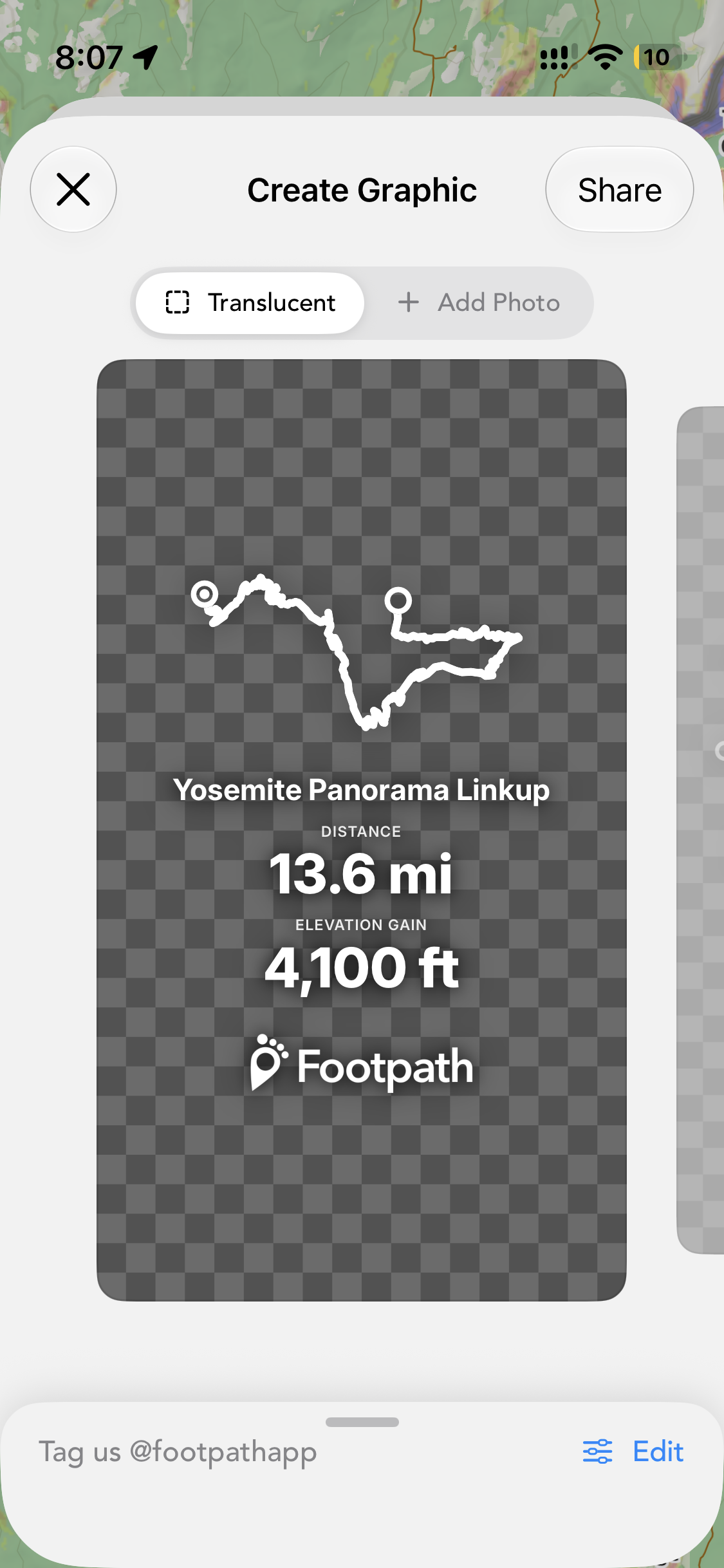
Show off the GPS art you created, or highlight the epic elevation profile and summit of your latest hike.
Animated maps and photos
You can also overlay your route line directly onto your own photos in Footpath, and you can export these as static photos or an animated video.
QR Codes
From a new share menu, you can show a QR code to a friend or run club member, and they can open the route right in their Footpath app (or in their browser if they haven’t downloaded the app).
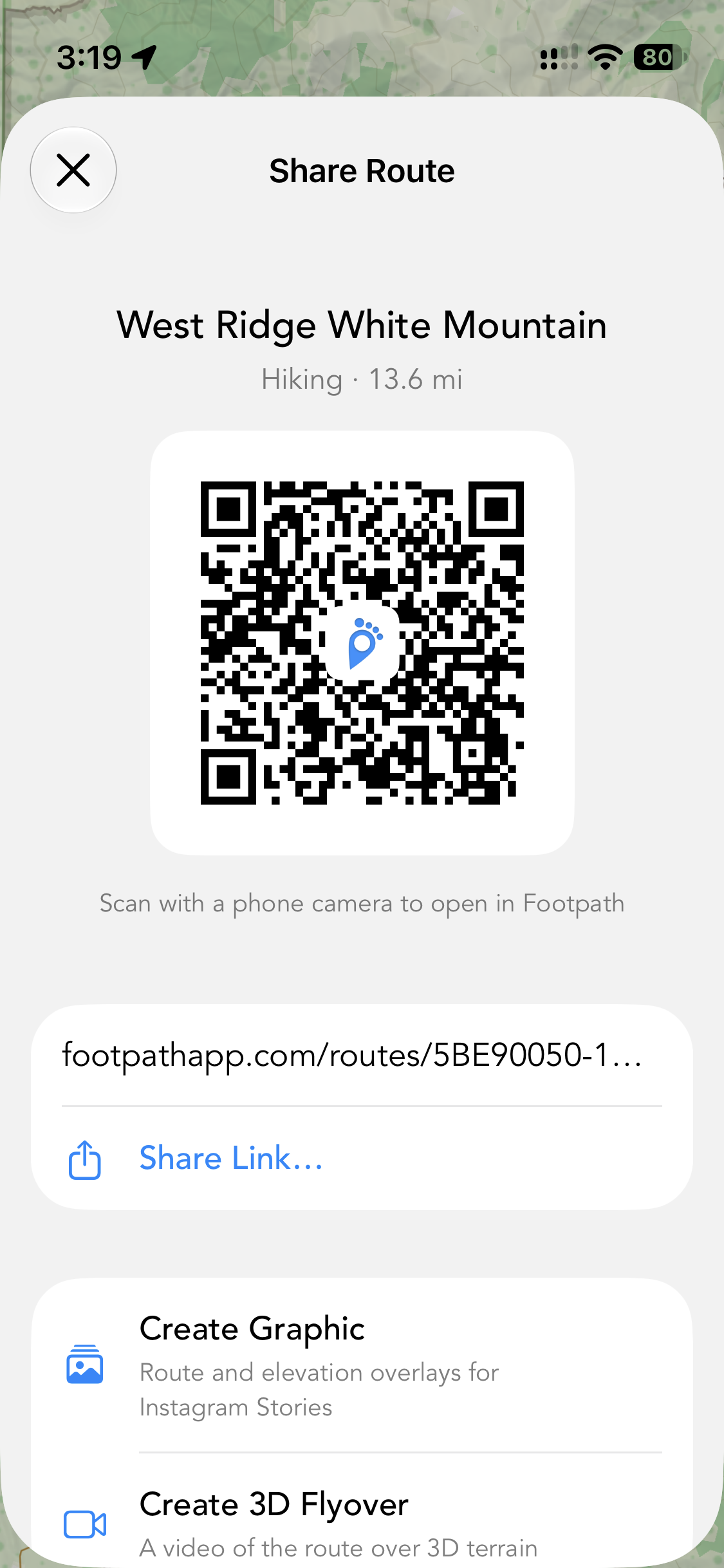
With an upgraded Footpath for Professionals account, you can even share your routes with Footpath Elite features already unlocked, so your recipients can download offline maps, follow along with turn-by-turn navigation, export to their watch, etc without needing a subscription of their own.
Other updates
- The Android app now supports dark mode
- You can now fine tune your estimated duration and set a start time for predicted ETAs
- You can now specify which leg of a route a waypoint appears on, for marking aid stations at specific mile markers or turns in specific directions.
Download the newest 5.1 update for iOS or the 3.1 update for Android and share your route in all new ways today.